Edit the Personal preferences
Edit the Personal Preferences
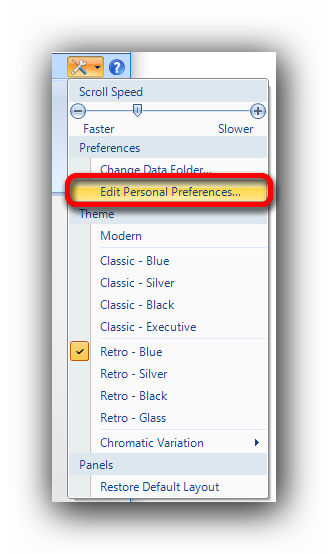
The Personal preferences of each user can be set and edited with the Edit Personal Preferences function in the "Tools" menu.
In this window, the user can set the following parameters :
- The company name
- The company address
- The representative name
- The measure system to use by default (metric or imperial) in the "Home" tab and in the Reports
- The default precision required for the measures and results
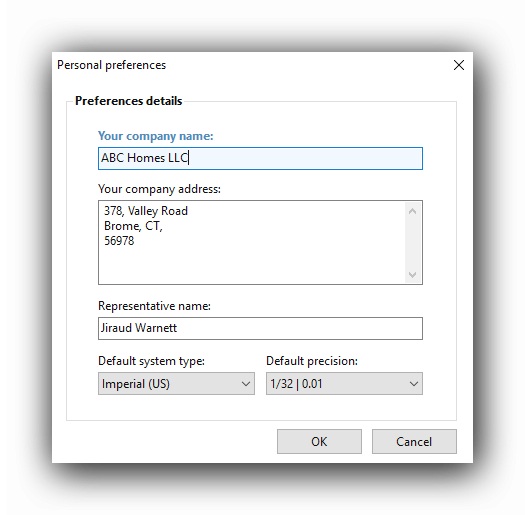
The preferences will be used in the takeoff operations and in the reports.
Once the settings are filled out, the "OK" button will save them until a new modification is performed.