Start Active Takeoff
Start Active Takeoff
Locate the Active Takeoff Short-cut icon on the computer's desktop or in the Windows Start menu.
Depending on the Windows version used, the appearance of the icons may vary.
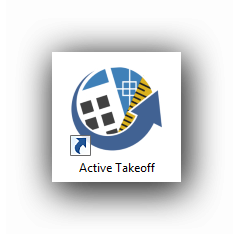
From the Start Menu :
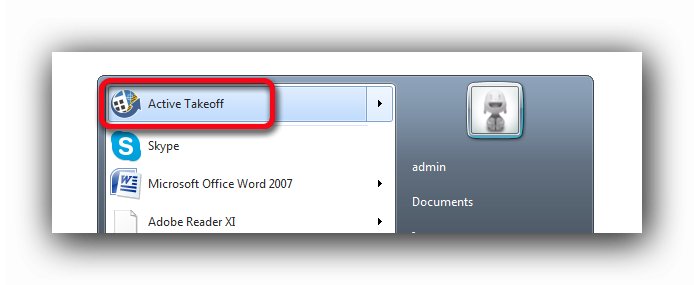
Double-click on the desktop short-cut or click the Active Takeoff item in the Windows Start menu.
The Active Takeoff (.qpl) project icons can also be double-clicked or drag and dropped in the Active Takeoff interface when it is open.