Importing Prices from an External File
Importing Prices from an External File
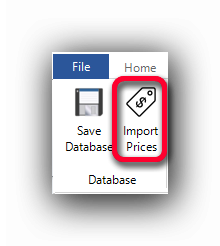
The "Import Prices" function in the "Estimating Items" tab allows the user to import prices of the created items in the grid from an external file, thus avoiding the double-input of the prices.
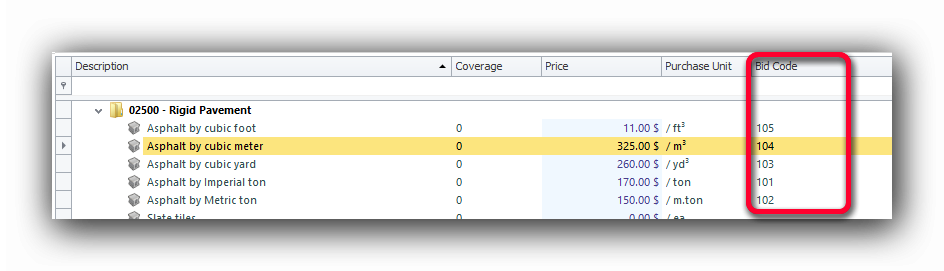
The import method is performed by comparing the index in (the Bid Code) and the product code in the external file. When a match is found, the price of the item is imported.
In the Estimating Item grid, the Bid Code appears in its own column:
When creating or modifying an Estimating Item, the Bid code is entered in its own code field:
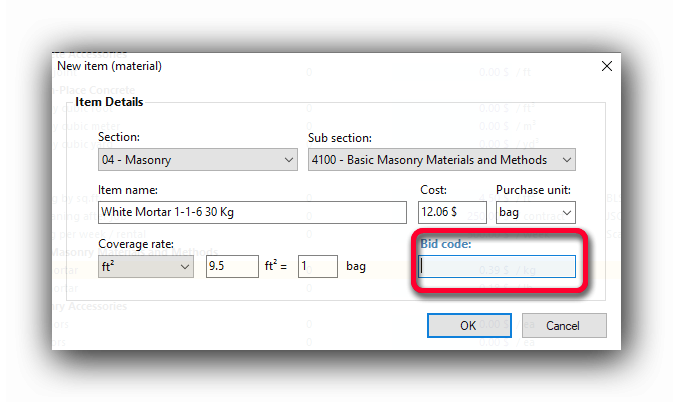
The Bid Code must be unique in the grid. If a code is doubled, the import will not import all the prices properly and only one of the identical codes will be imported and the others will be ignored. Only the Items with a Bid Code will be imported. The only condition is that a corresponding code exists in the external file.
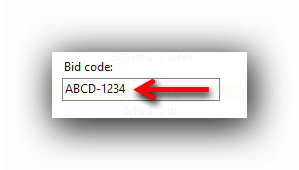
There is no specific format for the Bid Codes. They can contain letters and numbers:
The External Price Source File
can import text (or flat) files (.txt; .dat; .csv; etc...) Text files can be opened with Microsoft "Notepad" in Windows.
Excel files can also be imported if they are previously saved in a .csv format.
Here is an example of a text file with the required information :
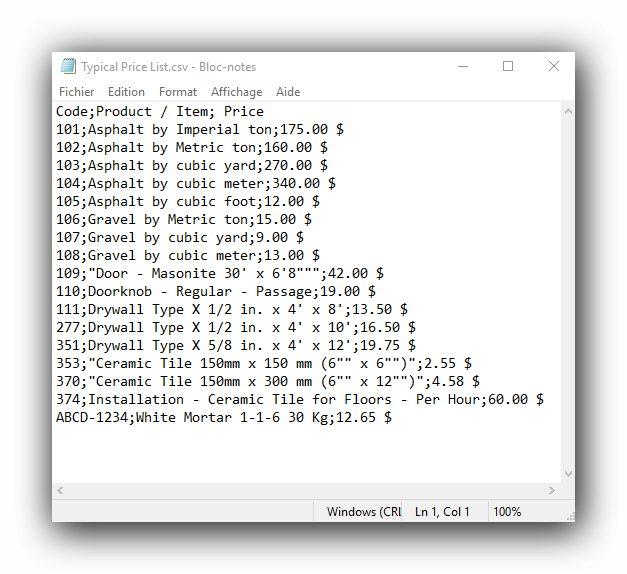
This file has been created from Excel ans saves as a .csv file. Here is the original file:
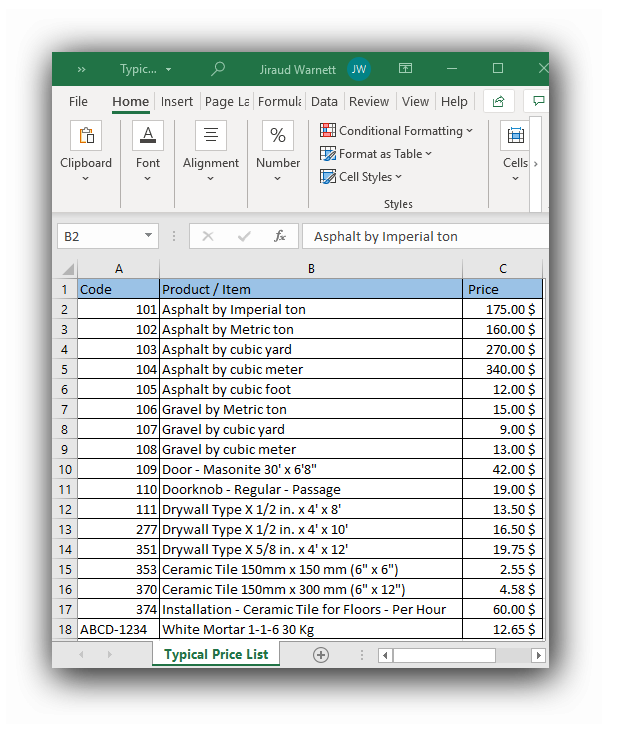
The .csv format text file contains 3 columns of data separated by field separator. Here a semicolon (;)
Ex.: 102;Asphalt by Metric ton;160.00 $
The first column is the Product/Item code, the second column is the Product/Item description, which will not be used and the third column is the price which will be imported. This arrangement of columns will have to be set in the Import preferences. The Import preferences can be accessed through the "Tools" menu.
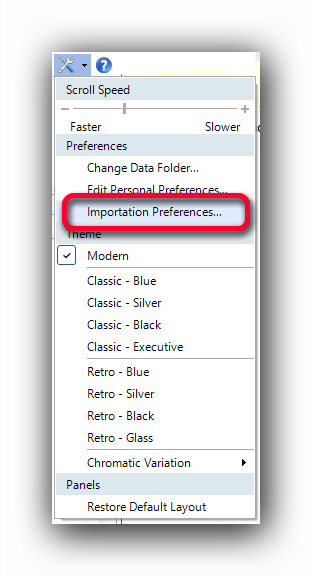
In the Importation preferences, the user has to set:
The file location and the file name with the "..." button.
The position of the Code in the file (In our example, "1" for the first column : 102;Asphalt by Metric ton; 160.00 $ )
The position of the Price to be imported (In our example "3" for the third column : 102;Asphalt by Metric ton; 160.00 $ )
The field or column separator (In our example ";" : 102;Asphalt by Metric ton; 160.00 $ )
Note : Each source file can be different. The column positions and field separators can differ from this example.
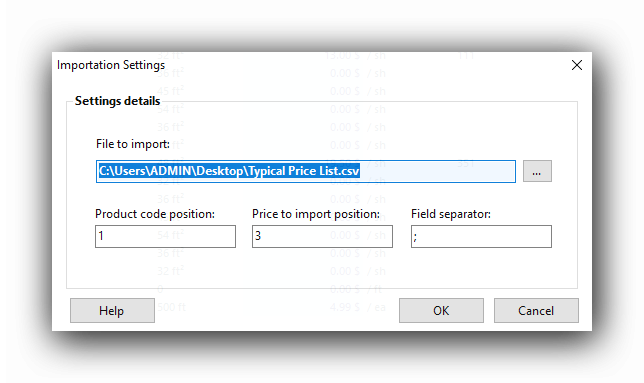
Once the settings are entered, a click on the "OK" button will save them. These settings can be modified at will afterwards.
Importing Prices
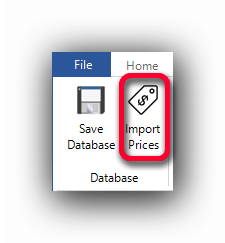
Once 's database is saved with the "Save Database" button, the import of the prices can be performed. A click on the "Import Prices" button will import the new prices from the external file into the grid.
See also :