The Cursor
The Cursor
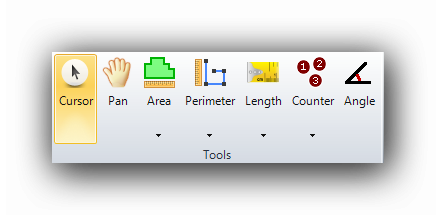
The cursor selects one or many objects on the canvas with the mouse. Once the object is selected, a contextual menu becomes available by right-clicking the mouse.
The cursor is also useful for moving objects on the canvas.
To select an object to be treated, click on it with the mouse pointer. To select many objects at a time, the user can :
- Click (Left button) individually on all objects to be included while holding down the "Ctrl" key on the keyboard.
- Create a rectangular zone containing all objects to be included with the mouse while holding down the left mouse button.
- Right click the mouse to display the contextual menu which allows to :
- Select all objects of a group
- Select all objects of an object type
- Select all objects on the current layer (or Ctrl-A) on the keyboard
At all times, pressing the ESC on the keyboard will cancel all current tools and revert to the cursor tool. Right clicking on an empty space (no objects present) of the plan will also revert to the cursor tool and open a contextual menu.
The Cursor : Contextual menu
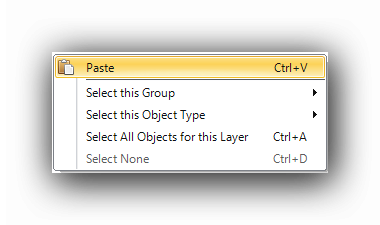
To access the cursor's contextual menu, right click the mouse.
See also :
Select Functions in Contextual Menus